

 2.之後有一大堆的server列表,隨便選一個就可
 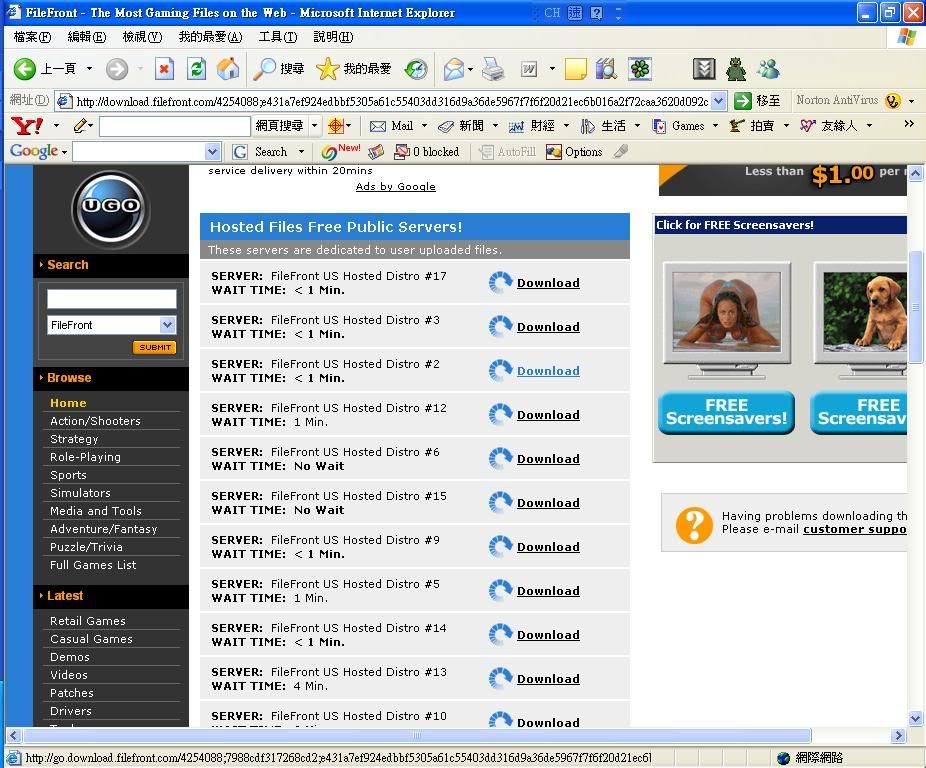 3.選了一個後會出現: The download server you have selected is full! Your download will begin when a spot frees up on our server. The estimated wait is 10 Minutes; to continue, click here. 選那個藍色的[click here]
  4.之後就等吧
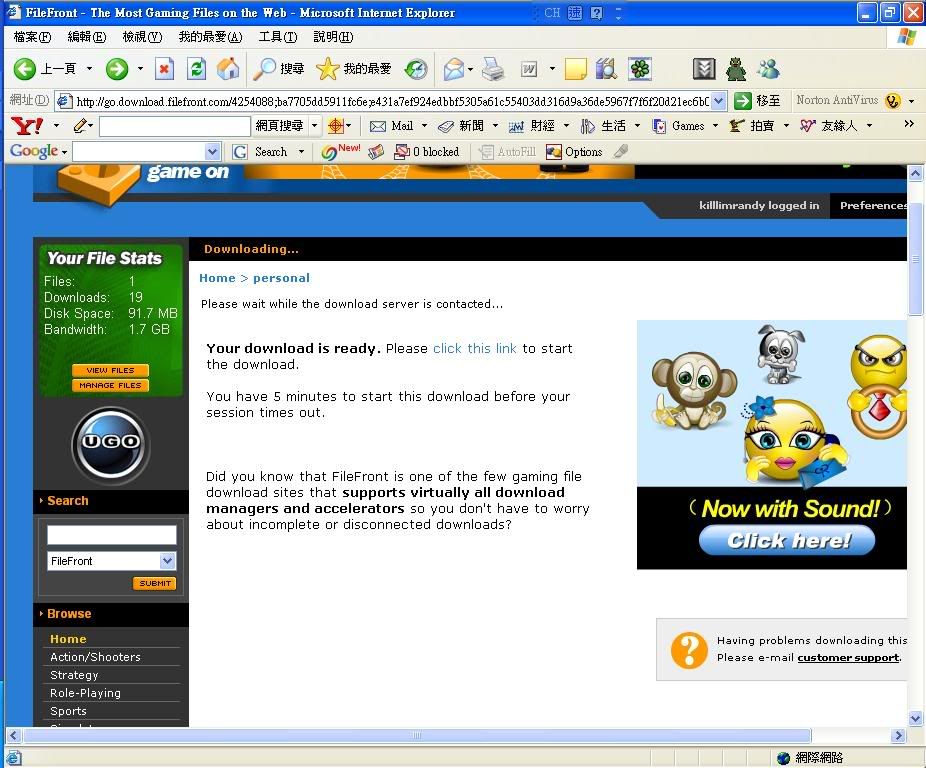
 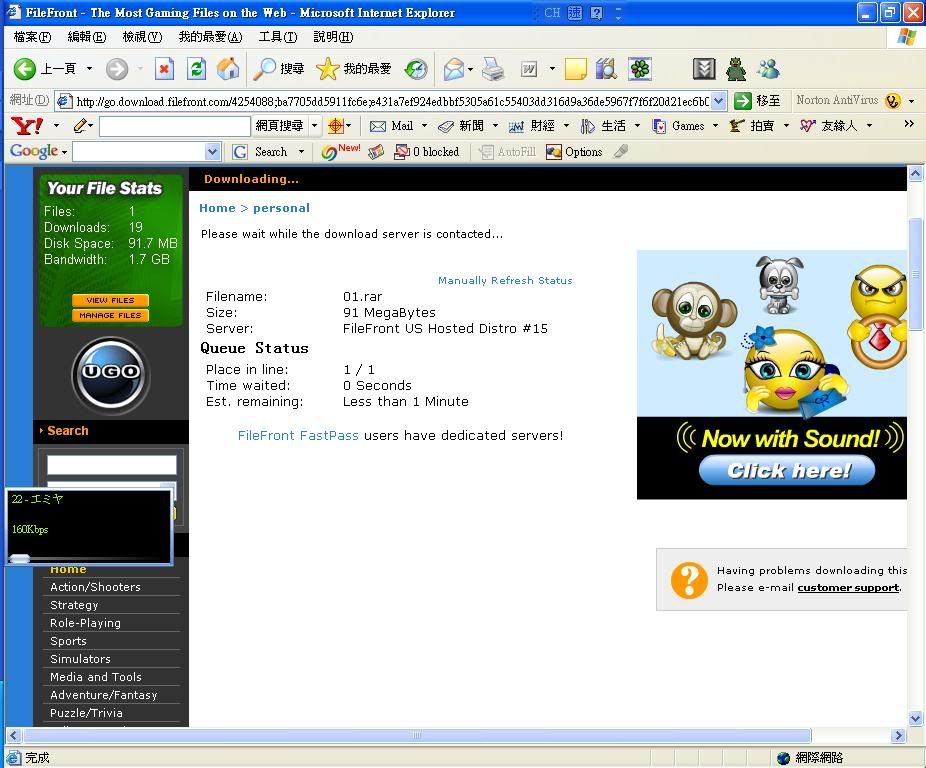 5.當畫面顯示 Your download is ready. Please click this link to start the download. 時,按藍色的[click this link]便可開始下載
  PS:好運的可以一來便150k左右 但若只有10k左右的話斷掉重新再等會比較好(吧?)
| 歡迎光臨 中央論壇 - CENTER BBS (https://centerbbs.com/) | Powered by Discuz! X3 |